Setup steps
Work through the steps below in order. Once you’ve finished the last one, you’ll be ready to move on to configure uploads in CI.Generating Reports
Cypress has a built-in Mocha JUnit reporter which outputs XML test reports. However, the built-in reporter does not include file paths in test case elements, which means Trunk cannot match tests to code owners or enable file-based filtering in the dashboard.Recommended: Use cypress-junit-plugin for file paths
For full functionality including code owner detection and file-based search, use thecypress-junit-plugin reporter. It outputs test cases with the correct nested structure and file path attributes that Trunk expects.
Install the plugin:
cypress.config.js
Alternative: Built-in Mocha reporter
If you don’t need file path matching or code owner detection, you can use the built-in reporter. Uploads will still work, but you will see warnings about missing file paths and won’t be able to search by file in the dashboard.cypress.config.js
The built-in Mocha JUnit reporter places the
file attribute on <testsuite> elements but not on individual <testcase> elements. Trunk requires file paths on test cases for code owner matching. If you see warnings like “report has test cases with missing file or filepath”, switch to the cypress-junit-plugin above.Report File Path
The JUnit report location is specified by thefilename option passed to setupJUnitPlugin (or the mochaFile property when using the built-in reporter). In the above examples, the file will be at ./junit.xml.
Disable Retries
You need to disable automatic retries if you previously enabled them. Retries compromise the accurate detection of flaky tests. You can disable retries by settingretries: 0 in your Cypress config file.
cypress.config.js
Try It Locally
The Validate Command
Test Upload
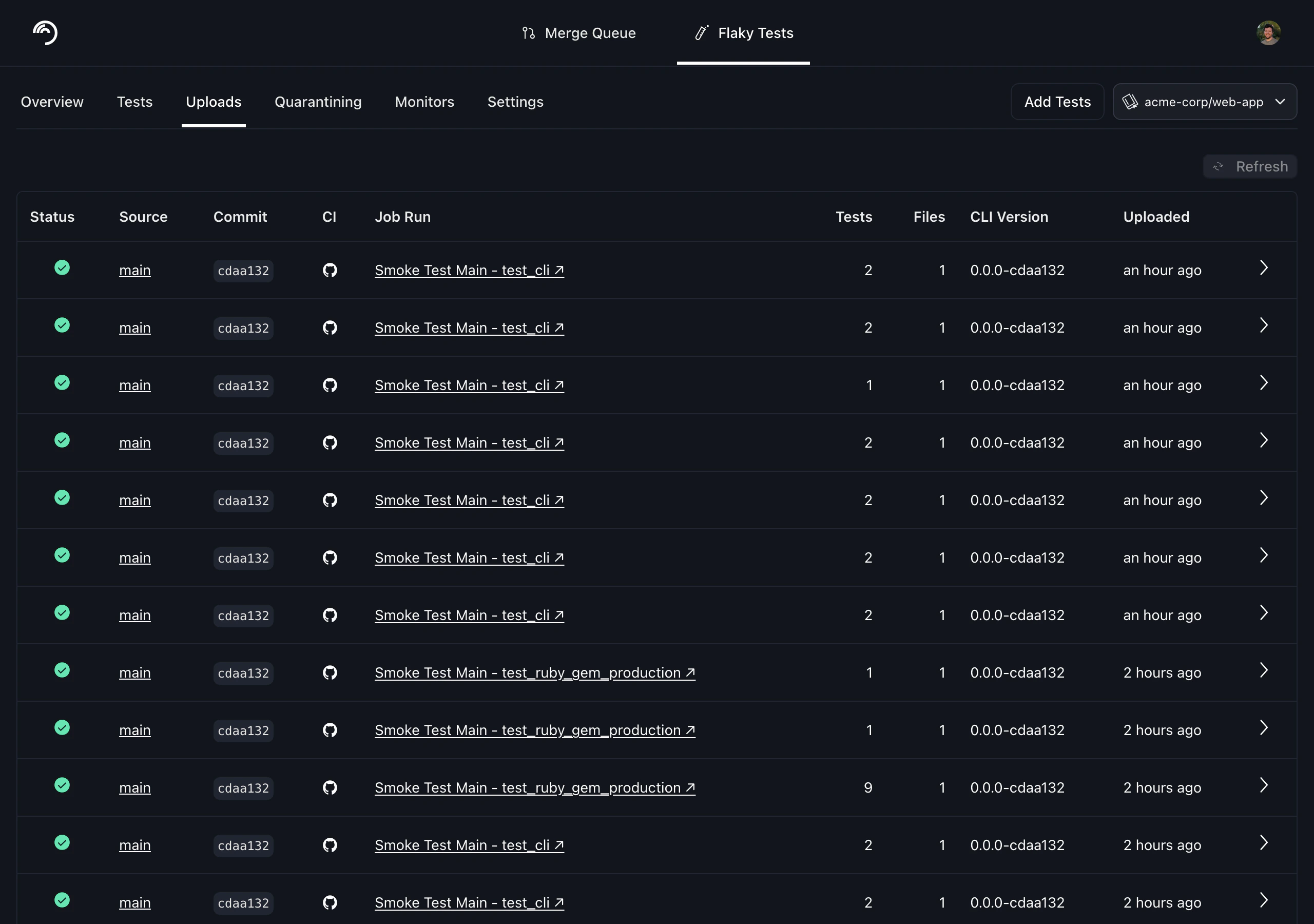
Before modifying your CI jobs to automatically upload test results to Trunk, try uploading a single test run manually. You make an upload to Trunk using the following command: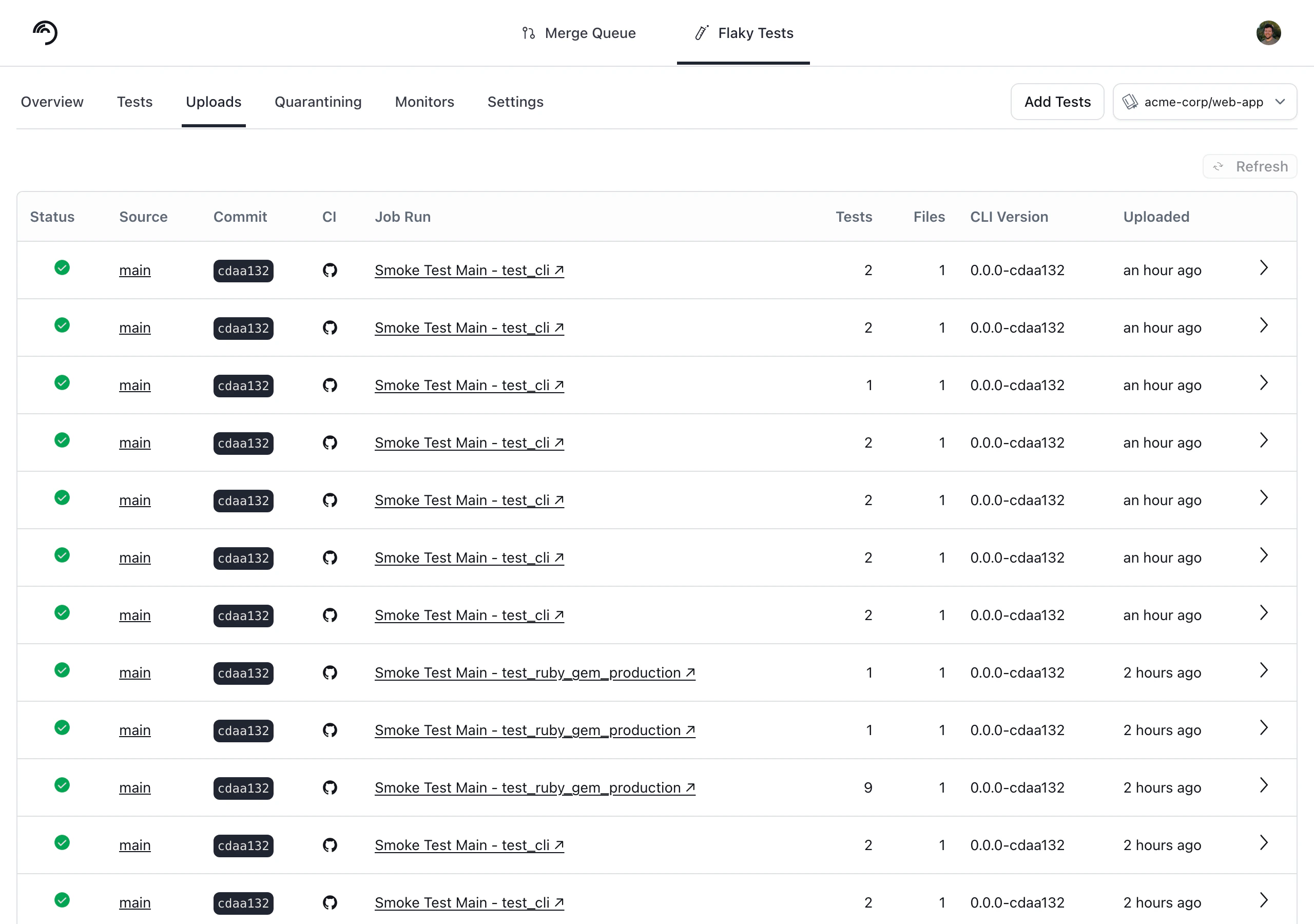
Next Step
Configure your CI to upload test runs to Trunk. Find the guides for your CI framework below:
Azure DevOps Pipelines

BitBucket Pipelines

BuildKite

CircleCI

Drone CI

GitHub Actions

GitLab

Jenkins

Semaphore
TeamCity

Travis CI